Choosing a PA for Small Venues: What You Actually Need


On this page
Do You Need Your Own PA?
A PA (public address) system is the gear that makes vocals and instruments loud enough for an audience: microphones, a mixer, speakers, and the cables that connect them. Before spending money on one, find out what your venues already provide.
Many small clubs, pubs, and breweries have a basic house system. If that’s the case at most of your gigs, you might only need a few microphones and a small rehearsal rig. If you play rehearsal-room shows, parties, or venues with no sound gear at all, owning a PA starts to make sense.
When you book a gig, ask the venue:
- Do you have a sound system, and who runs it? Is there a sound engineer, or does the band mix itself?
- What mixer do you use? Get the exact make and model, especially if it’s new to you.
- How many monitors are there, and how many separate monitor mixes can the system provide?
- Has anything changed since we last played here? Even at a familiar venue, gear gets replaced, moved, or broken. Don’t assume the setup is the same as last time.
If you’ll be running a venue’s digital mixer yourself, download the manual ahead of time. Learning the layout at home is a lot less stressful than learning it while the audience waits.
The Mixer: Inputs and Monitor Sends
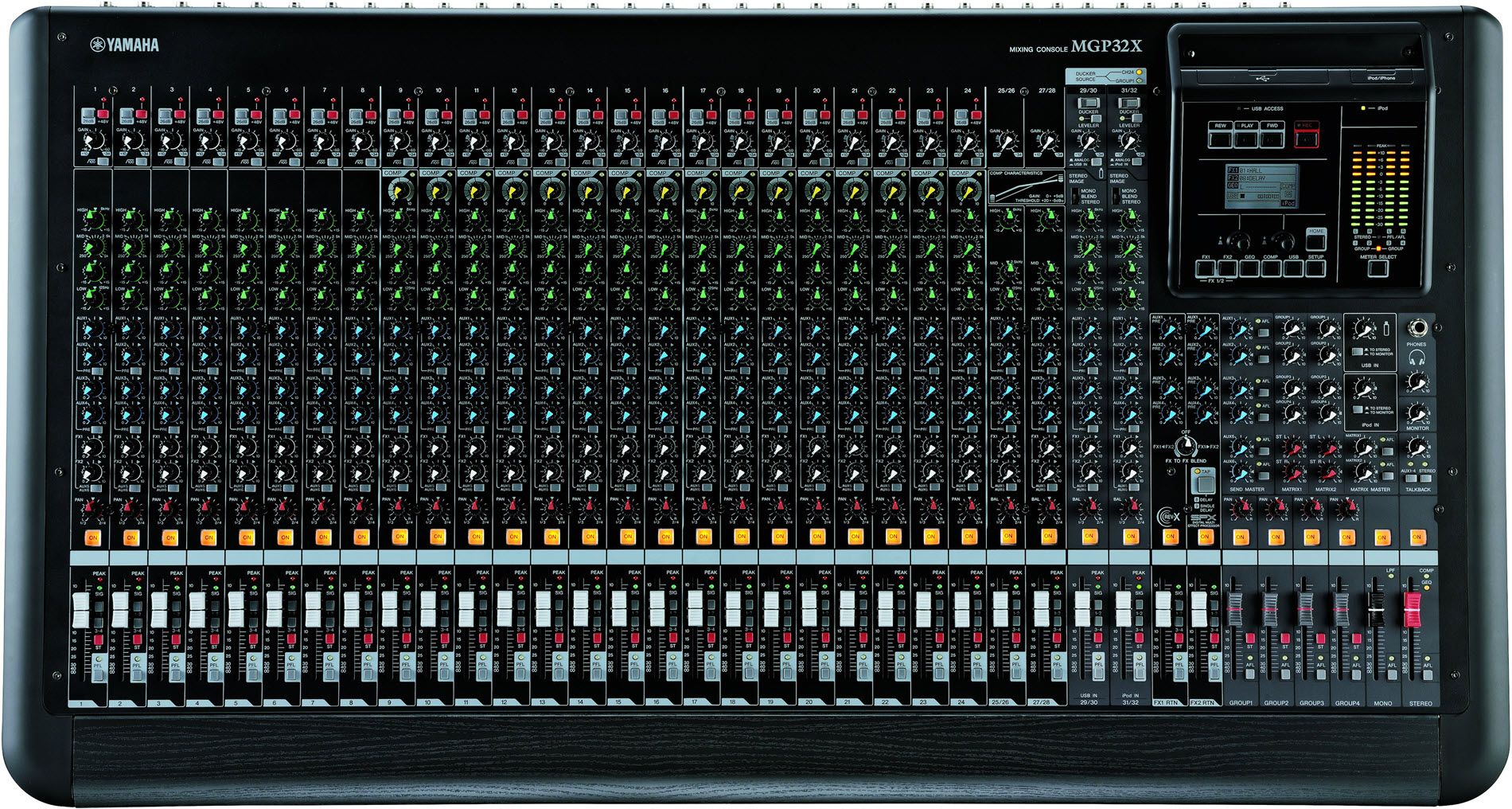
The mixer, also called the console or desk, is the hub of the PA. Every microphone and instrument plugs into it, and it sends signals out to the main speakers and the monitors. It is also usually the most expensive part of the system.
How many inputs?
An input is a channel where you plug in one source, such as a mic or a keyboard. To find your minimum, count everything that needs to go through the PA. A typical small-venue band might look like this:
- 3 vocal mics
- 1 mic or DI for guitar (a DI, or direct box, converts an instrument’s signal so it can plug straight into a mixer)
- 1 DI for bass
- 2 channels for a stereo keyboard
- 1–4 drum mics (kick and snare are a common start; in a small room the drums may not need miking at all)
That adds up to about 8–11 channels. Then buy more than you need right now. Extra channels fill up quickly once you add a drum mic, a backing track, or a guest singer. A 12- or 16-channel mixer gives a typical four- or five-piece band room to grow.
 Via hub.yamaha.com
How many monitor sends?
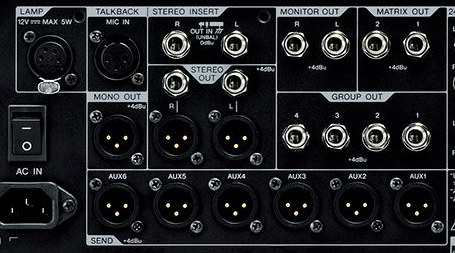
Monitors are the speakers (or in-ear systems) that let the band hear itself on stage. They are fed by the mixer’s aux sends, which are extra outputs that each carry their own separate mix. Every aux send you can spare for monitors is one independent monitor mix.
For a band early in its gigging career:
- 2 aux sends is workable. For example, the front-line vocalists share one mix and the drummer gets another.
- 3–4 aux sends is more comfortable. More players can get a mix tailored to what they need to hear.
It helps if the aux sends can switch between pre-fader and post-fader. Pre-fader means the monitor mix stays steady when you change the main volume, which is what you want for monitors. Post-fader means the send follows the main volume, which suits effects such as reverb. Also check that the mixer has a mono or extra output if you might add a subwoofer later.
 Via hub.yamaha.com
Speakers for Small Rooms: Point Source vs. Larger Systems
Most small-venue PA speakers are point source designs. All the sound comes from one cabinet and spreads out within a fixed coverage angle. A typical point-source speaker is “2-way,” with a woofer for low frequencies and a tweeter for highs. Some are “3-way,” adding a midrange driver for clearer mids.
Point source speakers are well suited to smaller spaces, where a pair can easily cover the whole audience. For a 50–150-person room, two point-source speakers on stands, plus an optional subwoofer, is the standard approach.
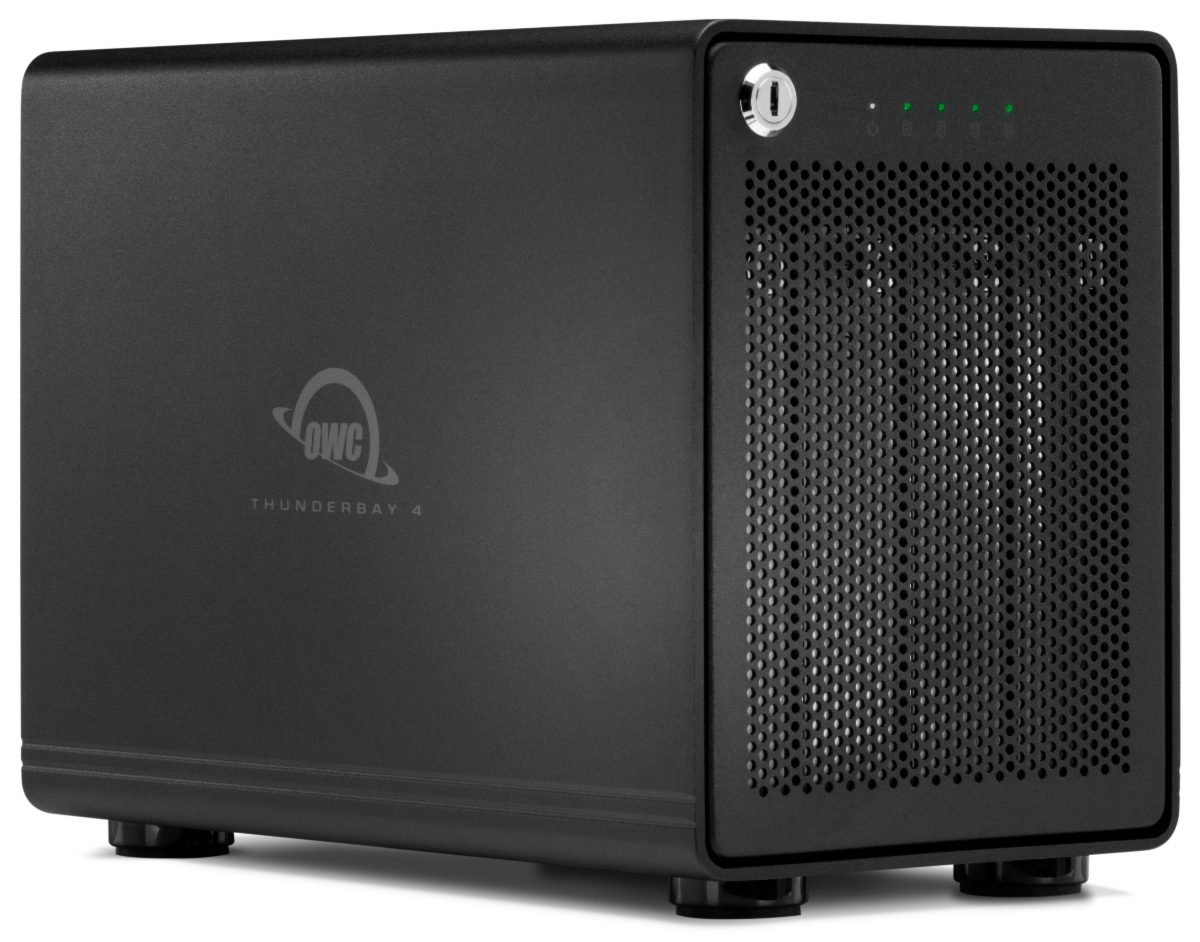
Choose powered (active) speakers if you can. They have the amplifier built in, so you just run power and a signal cable to each one. You don’t need a separate amp rack, and you avoid mismatching amps and speakers. Powered speakers are portable, quick to set up, and easy to fit in a car.
You’ll also see line arrays. These are tall stacks of identical speaker elements that control where sound goes, and they are designed for large venues and outdoor events. A more compact relative, the column array, stacks a narrow column of drivers on a subwoofer and is easy to set up. Column arrays can work well in small rooms, but for most bands starting out, a pair of point-source speakers is the simpler and more affordable choice.
 Via carvinaudio.com
Power and Sensitivity: Why Watts Aren’t Everything
It’s tempting to compare speakers by the biggest wattage number on the box. More watts does not automatically mean louder or better coverage.
- Wattage tells you how much electrical power the amplifier can deliver.
- Sensitivity tells you how efficiently a speaker turns that power into sound. Two speakers given the same power can produce noticeably different volumes.
- Coverage pattern is how widely the sound spreads, usually given in degrees. It determines whether people at the edges and back of the room hear clearly.
Doubling amplifier power gives only a small increase in volume. Speaker placement, dispersion, and how the room behaves often matter more than raw watts. A well-placed, efficient pair of speakers can cover a small room better than a “more powerful” pair aimed badly. Also, wattage figures are calculated in different ways by different makers, so they rarely compare cleanly across brands.
Checklist: Before You Buy or Rent
- Input count: Enough channels for your band now, plus a few spare.
- Monitor sends: At least 2–3 aux sends, ideally switchable pre/post-fader.
- Speaker coverage: Coverage angle and sensitivity suited to 50–150-person rooms, not just a high wattage figure.
- Portability: Weight and size that your band can actually carry and fit in your vehicles.
- Outputs for growth: A mono or extra output if you might add a subwoofer later.
- Everything works: If renting, test every channel, send, and speaker before you leave the shop.
- Cables and stands included: Confirm exactly what comes with the system so you don’t arrive without speaker stands or power cables.
Venue System vs. Bringing Your Own
If you’re playing somewhere new, visit while another band is setting up or sound-checking. You’ll hear how the system sounds in the room and spot problems before your own show.
When you look at a venue’s system, check:
- Enough channels for your lineup.
- Monitor capability: whether there are enough monitors and aux sends for the mixes your band needs.
- Working condition: whether every channel and send actually works. Faulty channels are worth discovering in advance, not mid-set.
- Physical condition: look for worn cables, damaged connectors, or missing parts. If you’ll be handling the gear yourself, photograph anything that looks damaged and show the staff before the gig, so you aren’t blamed for it afterward.
Then decide. If the house system covers your needs, use it. If it’s missing something specific, such as monitor mixes, bring your own gear to fill the gap. If it’s worn out or unsafe, bring your own full PA.
Whatever you find, be considerate toward the venue staff. Small venues often can’t afford quick repairs, and a good working relationship will get you booked again.
Sources
Tools of the Trade: Step Up To A Better Mixer, Steve La Cerra, Yamaha Music (hub.yamaha.com)
The Difference Between Point Source and Line Array Speakers, author not stated, Carvin Audio
Tips For Using a Venue’s Sound System, author not stated, Carvin Audio