How to prepare for Spotify Wrapped 2026

On this page
Why Wrapped deserves a spot on your calendar
Spotify Wrapped is the yearly recap that shows each listener their favorite artists, tracks, genres, and more, packaged in graphics made for sharing. Fans look forward to it, and artists can use it too. It’s a natural moment to look back at your streaming numbers and thank the people behind them.
The scale is worth noting. In 2025, the campaign produced over 630 million social media shares worldwide, a 42% jump from the year before. Artists took part as well: their Wrapped video messages added up to hundreds of millions of views.
For independent musicians, that adds up to a cheap chance to stay in front of your audience at the end of the year. It works whether you put out your first single in 2026 or passed a streaming milestone you’d been chasing. A little preparation now lets you make the most of it.
Here is the short version:
- You can submit a short vertical video through Spotify for Artists until November 6, 2026.
- The clip could show up in your top fans’ Wrapped experiences.
- Your profile should be tidy before the new traffic arrives.
- Once Wrapped launches, share your own recap on social media.
Record a short thank-you video for fans
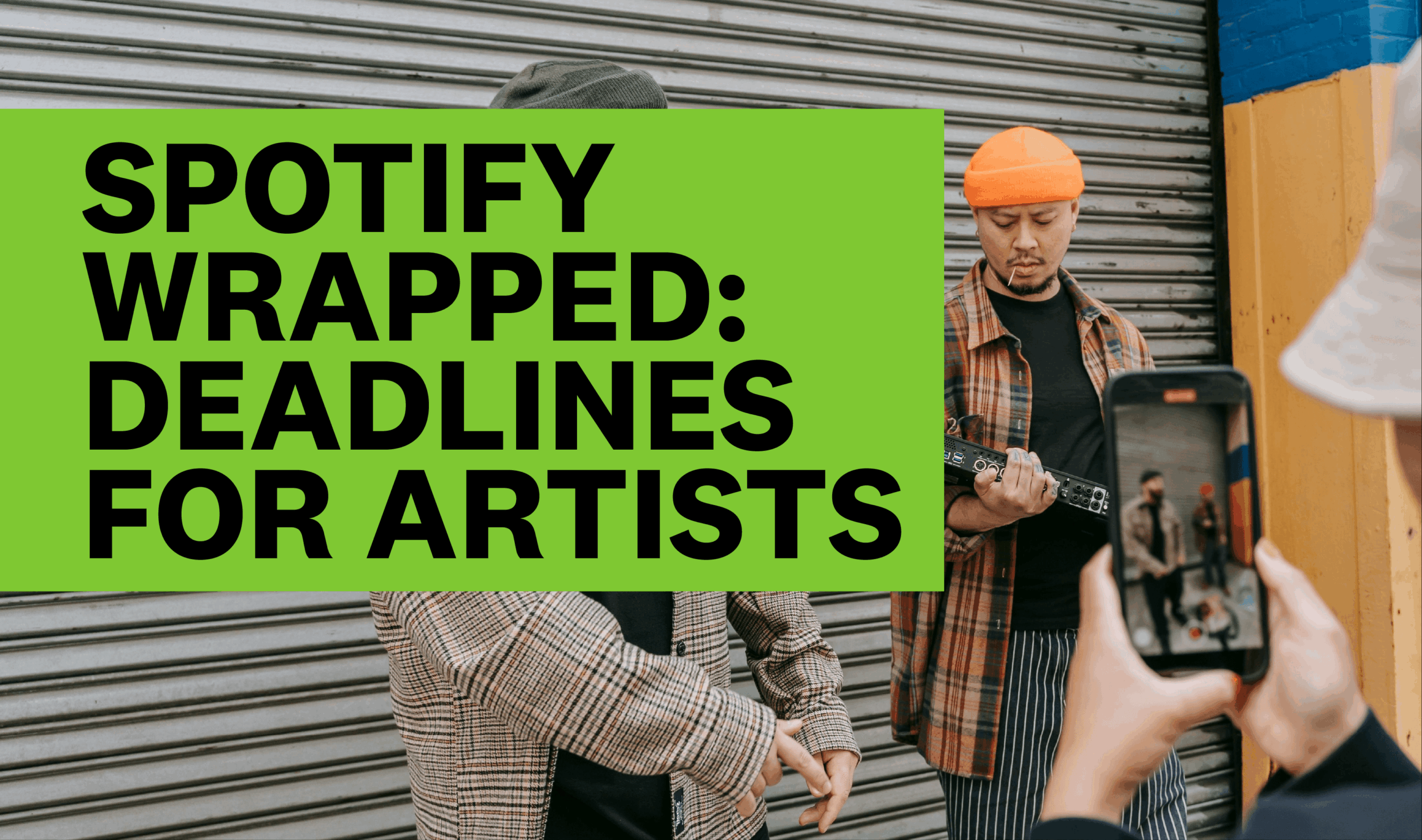
The most direct way to join in is a personal video message. Any artist with access to Spotify for Artists (Spotify’s dashboard for artists, where you manage your profile and see your stats) can send one in. If it’s accepted, it has a chance of appearing inside the Wrapped experience of your biggest listeners.
Spotify suggests building the clip around three things:
- Thanks. Tell fans you appreciate them listening and supporting your music.
- A highlight from the year. Pick a milestone or memorable moment your fans helped make happen.
- A teaser for 2027. Hint at new music, a tour, or whatever creative project is next.
Thirty seconds is tight, so plan before you hit record. Jot down one sentence for each of the three points and practice saying them out loud. If you can’t deliver the whole message comfortably in one take, trim it. Pick one specific moment from your year rather than listing everything. A single concrete memory will feel warmer than a general “thanks for a great year.”
A note on format: the video should be vertical, meaning you film with your phone held upright, the way you would for a Story or a short-form clip. Keep it under 30 seconds and check Spotify’s content guidelines before you shoot, so you don’t film something that gets turned down.
 Photo by BBSO / Pexels
Submit your clip
The process has three steps:
- Record. Film your vertical video, under 30 seconds, following Spotify’s content guidelines.
- Submit. Open Spotify for Artists on a desktop computer (not the phone app), go to the Video & Visuals section, and choose the Wrapped banner. Upload your file and add a short caption. Captions can run up to 100 characters, so keep yours brief.
- Review. Spotify looks over and processes your submission. There’s nothing more to do except wait.
Set your own deadline ahead of November 6 so a technical problem doesn’t cost you the chance. Upload a few days early and you’ll have room to fix mistakes.
Submitting doesn’t guarantee your clip will be seen. Whether it appears depends on where you rank among each fan’s most-listened-to artists. In other words, your video is most likely to reach the people who already listen to you a lot, which is the audience you most want to thank anyway.
If your clip is used, it goes live when Wrapped launches and stays available during the campaign. Spotify takes it down once Wrapped is over.
Tidy up your Spotify profile
Wrapped can send listeners to your artist page, some of them for the first time. Spend a little time making that page ready to hold their attention. Here’s a checklist:
- Profile photo: Use a sharp, high-quality image that matches how you present yourself now.
- Bio: Rewrite it to feature your latest releases, milestones, and plans.
- Gallery: Swap in recent, good-quality photos.
- Artist Pick: This is the featured item at the top of your profile. Use it to point to your newest release, a playlist, or an upcoming show.
- Merch and concerts: Make sure your merchandise and shows are listed so interested fans can find them.
A current profile gives people more reasons to keep exploring after the Wrapped buzz fades. It also saves you from sending fans to a page with an outdated photo or a bio that stops two years ago.
 Photo by Pavel Danilyuk / Pexels
Share your own Wrapped results
When Wrapped goes live, you can open your own year-end recap in Spotify for Artists. It includes personalized insights and graphics ready to share, which highlight your streaming achievements.
Post those graphics on your social channels, but don’t just drop the image and walk away. Add a few words of your own: thank your listeners, and mention what’s coming next. That’s the same formula as your video, so your message stays consistent across platforms. Fans who see your post are also more likely to share their own Wrapped results and tag you, which spreads the word further.
A quick timeline to follow
- Now: Draft your three talking points and check Spotify’s content guidelines.
- Before November 6: Film, upload, and caption your clip through Spotify for Artists on desktop.
- Also before launch: Update your photo, bio, gallery, Artist Pick, and merch and concert listings.
- When Wrapped launches: Grab your recap, add a personal thank-you, and share it.
None of this takes long, and it gives you a clear way to say thanks and point your audience toward whatever you’re releasing next.
Sources
How to prepare for Spotify Wrapped 2026, diymusician.cdbaby.com