September Partner Platform Updates 2026

On this page
September 2026 Platform Roundup: What Changed and What to Do About It
September brought updates from four platforms most independent musicians already use: Apple Music, Instagram, TikTok, and Spotify. Some of these changes are quick to act on, and one could come with real benefits if you’ve been placed on a certain Spotify playlist. Here is each change, followed by what to do with it.
Apple Music Gives Artist Profiles a Makeover
With the iOS 27 release, Apple Music added several ways to shape how your artist page looks. These tools live in Apple Music for Artists, the free dashboard where musicians manage their presence on the service. You can now:
- Upload an artist logo
- Change the colors of the buttons on your profile
- Use Spotlight, a new feature that pins an album, an artist playlist, or other featured content at the top of your page
Spotlight puts one thing in front of every visitor, so it’s worth choosing deliberately.
Your to-do list:
- Claim your Apple Music for Artists profile through CD Baby if you haven’t already.
- Upload a high-quality artist image and your logo. Check Apple’s logo requirements before you design or export the file.
- Pick button colors that match the rest of your visual branding, so your page looks like it belongs with your album art, website, and socials.
- Spotlight your newest release, or whichever project matters most to you right now.
- Add lyrics to any songs that are eligible.
- Fill out your Q&A and the remaining artist details.
None of this takes long, and a complete, consistent page looks more professional to anyone checking you out.
 Photo by Zan Carvalho / Pexels
Instagram’s “First Draft” Speeds Up Reels Editing
Instagram added a tool called First Draft to its Reels creation process. Reels are Instagram’s short vertical videos. You select several clips, and the tool trims out pauses and dead space and stitches the footage into a rough cut for you to build on.
You stay in control. Every change First Draft makes can be adjusted or undone before you post, so you can treat its version as a starting point and not a finished product.
Where it could help:
- Live performance clips
- Behind-the-scenes footage
- Talk-to-camera videos
- Tour or studio recaps
- Highlights from a release campaign
Many musicians have a camera roll full of clips and no time to sort through them, and this is a way to get those clips into shape faster.
Before you post, watch the whole thing and add a call to action, which is a short prompt telling viewers what to do next. That might be “listen to the new single” or “tell me which song to play next.” An automated edit won’t add that for you, and it’s the part that turns views into something useful.
TikTok Adds New Ways for Fans to Respond
TikTok rolled out several comment features over the past few weeks. They give fans more to do than leave a heart or a reply:
- Voice Comments: fans can answer with audio clips up to 60 seconds long.
- Comment Polls: creators can add a poll with up to five choices beneath their own videos.
- Photo Carousel Comments: fans can attach several photos to one comment.
- Live Photo Comments: fans can share Live Photos straight from their camera roll.
Musicians can use these features in several ways.
Run a singing contest. Pick a section of your newest song and ask fans to sing it, play along, or react to it in a voice comment. Sixty seconds is enough for a chorus or a short instrumental line.
Let fans vote. Use a poll to ask which songs belong on the setlist, where you should play next, or what kind of content they want more of. You get real input and your audience gets a say. With up to five options, you can offer several choices without making the poll confusing.
Collect photos from your shows. Ask people who came to your latest gig to post their pictures in the comments. A carousel lets someone share a whole set from one night, and the rest of your audience gets to look back through the evening.
Whichever you try, ask for a specific response and make it easy to give. A vague “let me know what you think” tends to get less than a clear prompt.
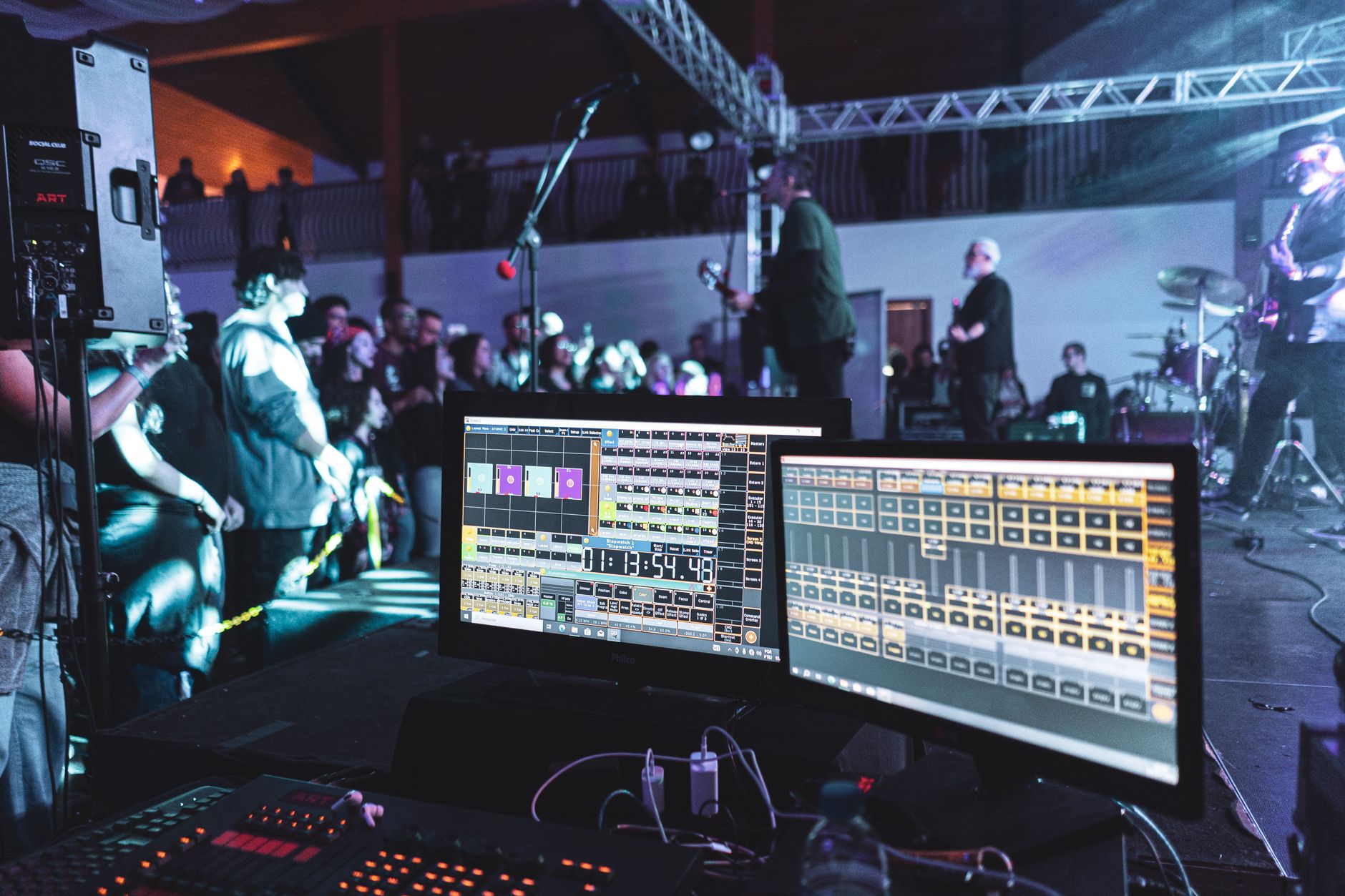 Photo by tainah ferreira / Pexels
Spotify Launches Fresh Finds Forward
Spotify announced a new program for emerging independent artists called Fresh Finds Forward. It’s expected to reach roughly 10,000 artists each year. It is tied to Fresh Finds, one of Spotify’s editorial playlists, meaning playlists curated by Spotify’s staff and not generated by algorithms or built by listeners.
Eligible artists can receive 12 months of benefits. These may include:
- Studio time
- Early access to Spotify tools and features
- Mental health and wellness resources
To qualify, you need to have been added to an eligible Fresh Finds playlist on or after January 1, 2026. If you meet that condition, Spotify can send you an invitation through Spotify for Artists, the platform’s dashboard for managing your artist profile.
If you’ve landed a Fresh Finds spot recently: open your Spotify for Artists notifications and look for details about the program.
If you haven’t been featured yet: the best route to the editorial team is to pitch an unreleased song through Spotify for Artists. A pitch is a submission that tells Spotify’s editors about an upcoming track so they can consider it. It doesn’t guarantee a placement, but without one your release can’t be considered. Since pitching is done before release, plan ahead and submit it while the song is still unreleased. CD Baby has put together its Spotify playlist pitching best practices and a five-step template for writing your next pitch, which is useful if you aren’t sure what to say.
A Short Action Plan for This Week
You don’t have to do everything at once. If you have an hour or two, this is a sensible order:
- Update your Apple Music for Artists profile. It’s a one-time cleanup with a visible payoff.
- Pitch your next unreleased song to Spotify, if you have one coming up.
- Check Spotify for Artists for a Fresh Finds Forward invitation if you’ve been placed on a Fresh Finds playlist this year.
- Try First Draft on a batch of clips you already have, then review and add a call to action before posting.
- Post one TikTok that uses a poll or invites voice comments, and see how your audience responds.
These platforms keep adding tools, and it’s easier to keep up if you try a few of them each month than to wait until you’re far behind.
Sources
September Partner Platform Updates 2026, diymusician.cdbaby.com